pixFront
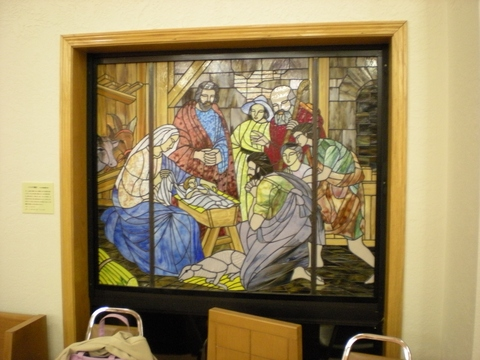
Imagine you have a photograph of a work of art, taken from a side angle. It could be of a painting in a museum, a poster on a wall or a stained-glass window in a church. pixFront applies geometric correction to these kinds of images and makes them look as if the photographer was standing right in front of the piece.
This is an example of an image taken of a stained-glass window from a side angle.pixFront a simple interface to select the four corners of the window and create a cropped rectangular image on screen.
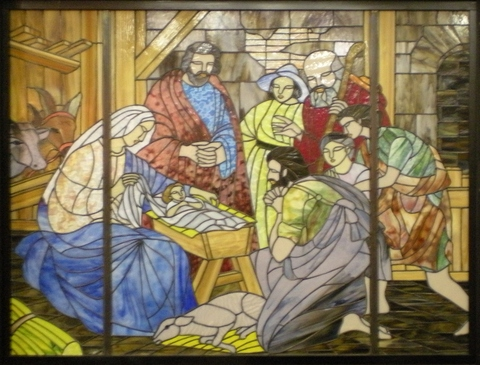
As you can see above, the image inside the selected area is transformed into a new rectangular image.
To produce a successfully transformed image, the area selected needs to be a rectangle with four corners at right angles, all of which need to be clearly visible on the image.
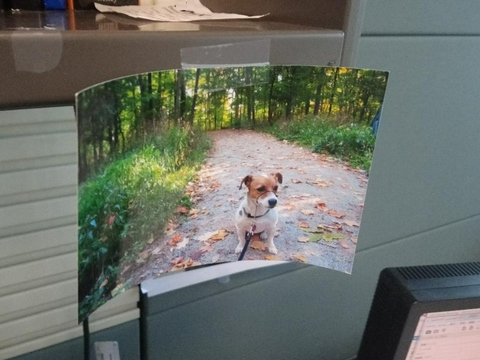
Also, the rectangular area needs to be on a flat surface. If the selected area is curved, as in the example above, the area will not be transformed accurately.